
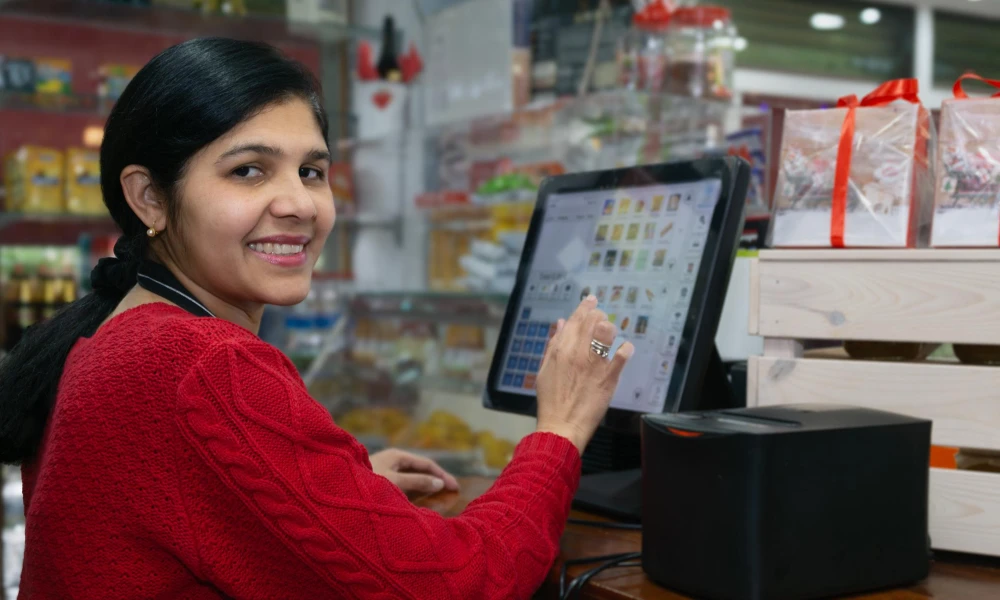
If you are a small business owner in India, you know how much time billing takes every day. Writing invoices manually, calculating GST, sending payment reminders, tracking who has paid and who has not — all this eats up hours of your time.
And the worst part? One small mistake in billing can cause customer complaints, wrong GST filing, and cash flow problems.
The good news is — you can automate all of this. In this article, we will show you exactly how to automate billing and invoice for small business in India, what tools to use, and how it helps your business grow faster.
What is Automated Invoicing and Billing?
Automated invoicing means using software to create, send, and track invoices automatically — without doing it manually every time.
When you use automated billing software, the system:
- Generates GST invoices automatically in seconds
- Sends invoices to customers by email or WhatsApp
- Sends payment reminders automatically when due date is near
- Tracks which invoices are paid and which are pending
- Updates your accounts and cash flow in real-time
Invoice processing means using software to handle the entire billing cycle — from generating the invoice to receiving payment — without manual data entry. It saves time, reduces errors, and helps your business get paid faster.
Manual Billing vs Automated Invoicing


|
Manual Billing |
Automated Billing with ERP / Billing Software |
|
Takes 30–60 mins per invoice |
Generate invoice in seconds |
|
Human errors in calculations |
Zero errors — auto calculation |
|
No GST compliance tracking |
Built-in GST invoicing and returns |
|
Payment reminders forgotten |
Auto reminders sent to customers |
| No real-time cash flow view |
Live dashboard with cash flow data |
| Data stored in files/Excel |
All invoice data in one secure system |
As you can see, automated invoicing software is much better than manual billing in every way. Small businesses in India that use billing automation save at least 2 to 3 hours every day and get paid much faster.
Step-by-Step: How to Automate Billing and Invoice for Small Business India
Step 1 — Choose the Right Billing Software
First, you need to choose a billing software that is suitable for small businesses in India. Look for software that has:
- GST invoicing and GST returns support
- Customisable invoice templates with your company logo
- Automated payment reminders for customers
- Online payment link in the invoice so customers can pay directly
- Dashboard showing real-time cash flow and pending payments
- Simple mobile app to generate invoices on the go
Step 2 — Set Up Your Invoice Template
Once you pick your billing software, set up your invoice template. Add your company name, GST number, address, payment terms, and bank details. Most invoicing software for small businesses lets you create a professional GST invoice template in just a few minutes.
A good invoice template should clearly show the item name, quantity, rate, GST amount, and total amount payable. This avoids confusion and speeds up payment from customers.
Step 3 — Automate Your Invoice Generation
For regular customers who get the same invoice every month, set up recurring invoices. The billing software will automatically generate and send invoices on the scheduled date — without you doing anything manually. This is one of the best features of automated invoicing software.
Step 4 — Set Up Automatic Payment Reminders
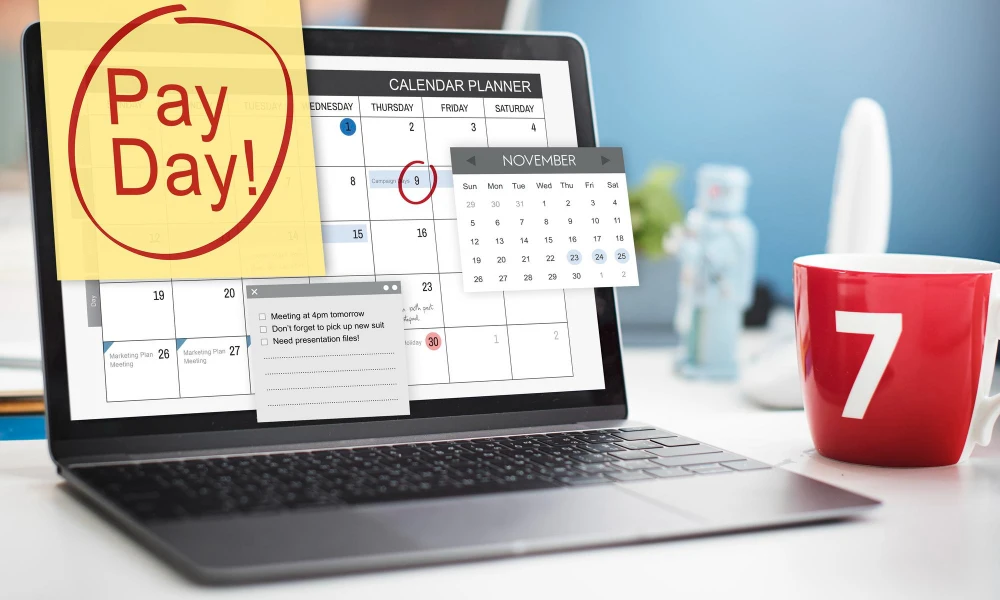
One of the biggest problems for small businesses in India is following up for payments. With automated billing software, you can set up auto reminders. The software will automatically send reminders to customers before the due date, on the due date, and after the due date — so you do not have to call or message every customer manually.
Step 5 — Add Online Payment Options
Make it easy for your customers to pay. Modern invoicing software lets you add a secure online payment link in every invoice. Customers can pay by UPI, net banking, or credit card directly from the invoice. This helps your small business get paid faster and improves your cash flow management.
Step 6 — Connect Billing to Your ERP or Accounting Software
The smartest move is to connect your billing software with your ERP system. When billing software integrates with your ERP, every invoice automatically updates your accounts, inventory, and customer records. No need to enter the same data in two places. Your entire business stays in sync — real-time.
Want to know how ERP and accounting software are different? Read our blog:
→ Difference Between ERP and Accounting Software for Business Difference Between ERP and Accounting Software for Business
Key Features to Look for in Invoicing Software for Small Businesses in India
- GST invoicing with automatic tax calculation
- Customisable invoice template with business logo and branding
- Automated payment reminders by email, SMS, or WhatsApp
- Online payment integration — UPI, NEFT, credit card
- Real-time dashboard showing cash flow, paid invoices, pending invoices
- Mobile app to send invoices from anywhere
- Invoice management with easy search and filter
- Integration with accounting software or ERP system
- Free invoice option or affordable pricing for small businesses
How Apna ERP Helps You Automate Billing and Invoicing
Apna ERP is a complete ERP and billing solution for small businesses in India. It includes a full billing and invoicing module that makes invoice automation simple and fast.
With Apna ERP, you can:
- Generate GST invoices in just a few clicks
- Send invoices directly to customers from the system
- Set up automated payment reminders for every invoice
- Track all pending and paid invoices from one dashboard
- Get real-time cash flow reports to manage your business finances
- Connect billing with inventory, sales, and accounts — all in one platform
Unlike free billing software that has limited features, Apna ERP gives you a complete billing and invoicing software solution with full ERP capabilities. It is designed specifically for small and medium businesses in India.
Looking for the best ERP software for your business? Read:
→ Best ERP Software for Small Business in Rajkot
Frequently Asked Questions (FAQ)
How to automate billing and invoice for small business in India?
To automate billing, choose a good billing software or ERP system with GST invoicing, invoice templates, and automated reminders. Set up your invoice template, add your customers, and let the software handle invoice generation, sending, and payment follow-up automatically.
What is the best billing software for small business in India?
Some popular billing software options include Zoho Invoice, Tally, and Marg. But for small businesses that need billing along with full ERP features like inventory, CRM, and supply chain — Apna ERP is one of the best invoicing software solutions in India.
Is there free billing software for small business in India?
Yes, there are free invoice software options available. However, free offline billing software for small business in India usually has limitations — fewer invoice templates, no GST support, no automation features, and no integration with ERP. For growing businesses, it is better to invest in affordable paid software that gives you full features.
How does invoice automation help small businesses?
Invoice automation helps small businesses save time, reduce billing errors, get paid faster, improve cash flow management, and focus more on business growth instead of paperwork. It removes manual data entry and makes the entire billing process smooth and professional.
Start Automating Your Billing Today
Stop spending hours on manual billing every day. Switch to automated invoicing software and let technology handle your invoice processing — so you can focus on growing your business.
Apna ERP offers a complete billing and invoicing solution for small businesses in India — with GST support, automated reminders, online payments, and full ERP integration. Book a free demo today and see how easy billing can be.
Call: +91 99988 54371 | Email: [email protected] | Location: Rajkot, Gujarat
 23 Sep, 2026